AUDIO-REACTIVE VISUAL · UPDATED 2026-10-08
Christmas Stream Backgrounds
Falling Koch snowflakes, an ice crystal and a snow globe, drawn live and moving to your music
Animated Christmas stream backgrounds: falling Koch snowflakes, a living ice crystal and a snow globe, drawn live to your music. Two are free.
The looks
What is Christmas Stream Backgrounds?
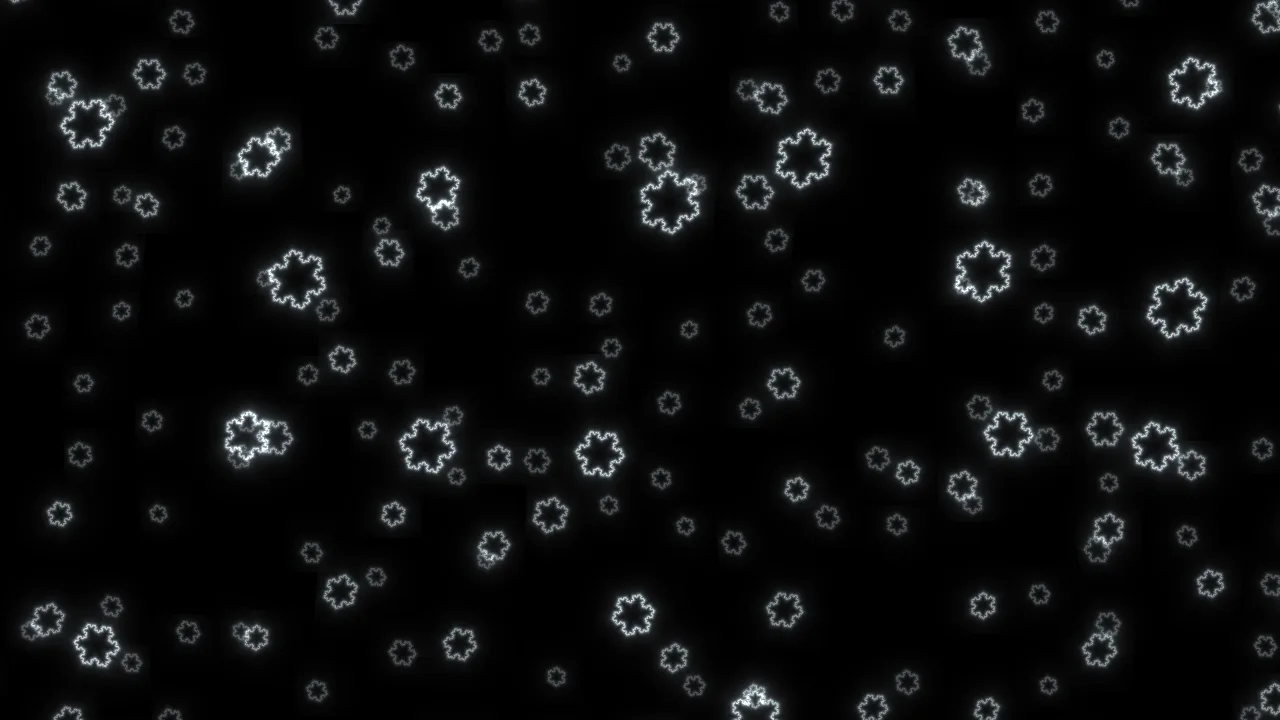
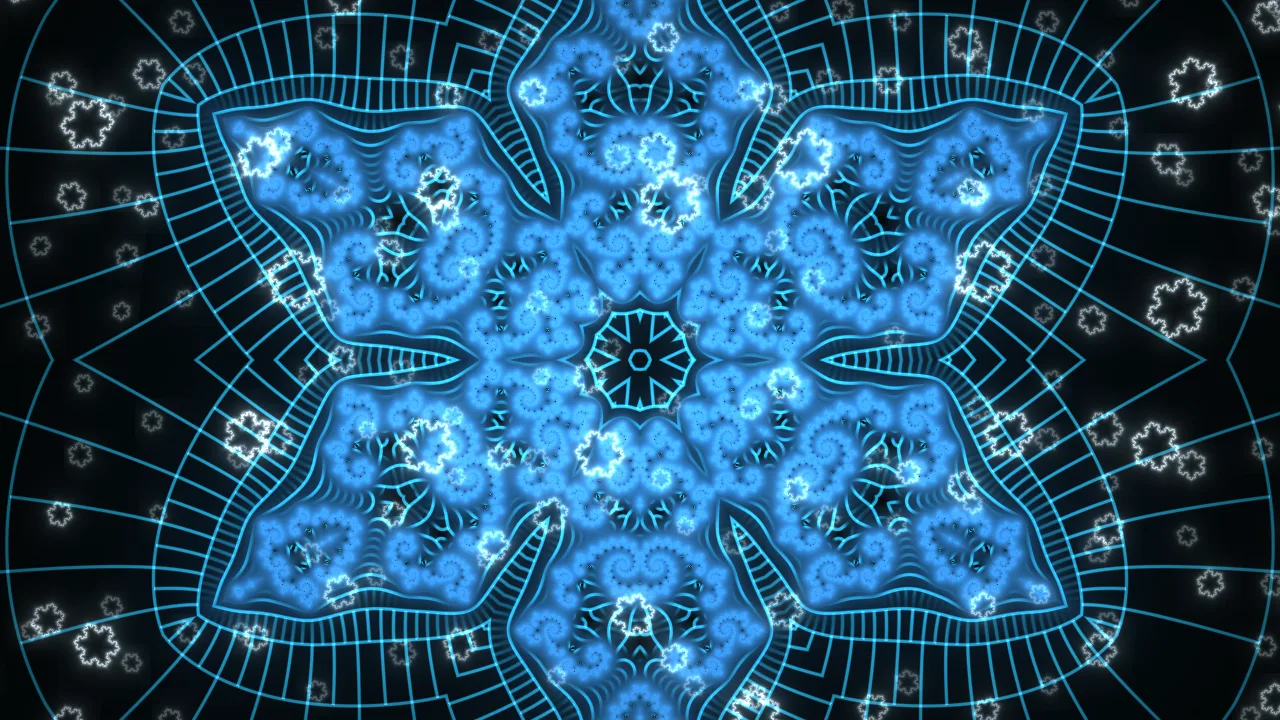
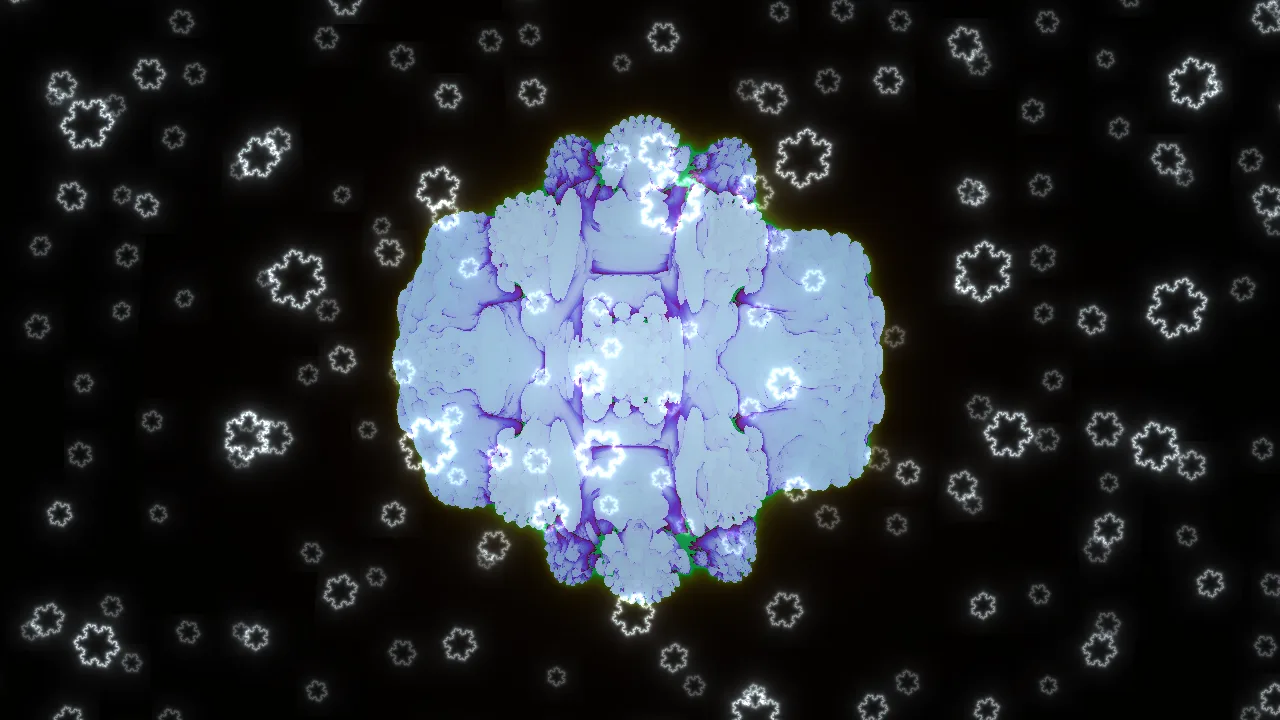
Vortexia has three Christmas looks for your stream, and none of them is a video file: each is drawn live on your graphics card and moves with the music you play. The snow is made of Koch snowflakes, the classic fractal snowflake, falling in three depths. Snowfall is that snow on its own, on pure black, so you can also lay it over a game or a webcam with OBS’s Screen blending. Frost folds a Julia set six ways into an ice crystal that keeps changing shape. Snow Globe is a 3D Mandelbulb, frozen ice-blue, in the falling snow. The bass widens the drift of the flakes, every kick brightens them, and the treble makes some of them glint. Snowfall and Frost are on the free plan, at 720p and 30fps with a small watermark; Snow Globe comes with Plus. To use one, sign in, pick it from the presets, and add your OBS link as a Browser Source.
How to use Christmas Stream Backgrounds
- Try it first. Open any of the three looks live in the demo. No account needed.
- Pick the look. Sign in free at vortexia.live and choose Snowfall, Frost or Snow Globe from the presets.
- Let it hear the music. Turn audio on and pick Music / system so it hears the track directly, or use the microphone.
- Add it to OBS. Copy your OBS link into a Browser Source. For snow over your game, use Snowfall and set the source’s Blending Mode to Screen.
Specs & output
| Engine | Frost |
|---|---|
| Render Mode | flux |
| Iteration Depth | 140 |
| Default Zoom | 1.20 |
| Colour Shift | 195° |
| Output (Free) | 720p / 30fps + watermark |
| Output (Plus) | 1080p / 60fps, no watermark |
| Output (Pro) | 4K / 60fps, brand-kit logo overlay |
| Audio Source | Browser tab audio (FFT, real-time) |
| Last Updated | 2026-10-08 |
Frequently asked questions
- Is the Christmas background free?
- Two of the three looks are. Snowfall and Frost run on the free plan at 720p and 30fps, with a small Vortexia watermark. Snow Globe is drawn on the 3D Mandelbulb engine, which comes with Plus at $4.99 a month, along with 1080p at 60fps and no watermark.
- Can I put the snow over my game or webcam?
- Yes. Pick Snowfall, which draws the snow on pure black, and add your OBS link as a Browser Source above your game or webcam. Then right-click the source, open Blending Mode and choose Screen: the black disappears and only the falling snow stays on top.
- Does it react to my music?
- Yes. Turn audio on in the dashboard and your OBS overlay follows it: the bass widens the drift of the flakes, each kick brightens them, and the treble makes some of them glint. In Frost the melody also reshapes the crystal. With no sound playing, the snow simply keeps falling.
- Can I add snow to my own look?
- Yes. The Snow switch in the dashboard, with Off, Falling and Snow only, puts the same snowfall over any built-in engine, on every plan. Shader looks such as Aurora Veil keep their own picture.
- Why are the snowflakes that shape?
- Each one is a Koch snowflake: three Koch curves on the sides of a triangle, where every curve is four copies of itself at a third of the size. Vortexia computes four levels of that self-similarity for every flake in every frame, which at stream sizes is detail down to about a pixel.